MACY-PAN 1501 Hyperbaric Oxygen Chamber: Sizes, Features and Buying Considerations
Choose the MACY-PAN 1501 hyperbaric oxygen chamber by comparing the space your users need, how they will enter and exit, and whether the complete system fits your installation site. Confirm the configuration alongside the chamber size before ordering.
The 1501 series offers four chamber diameter options—75, 85, 90 and 100 cm—with customization available. This guide explains what to compare across these sizes, which features to review, and what to confirm about dimensions, delivery access and equipment configuration before requesting a quotation.
What Is the MACY-PAN 1501 Hyperbaric Oxygen Chamber?
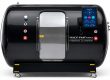
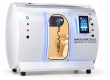
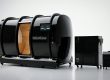
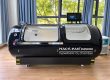
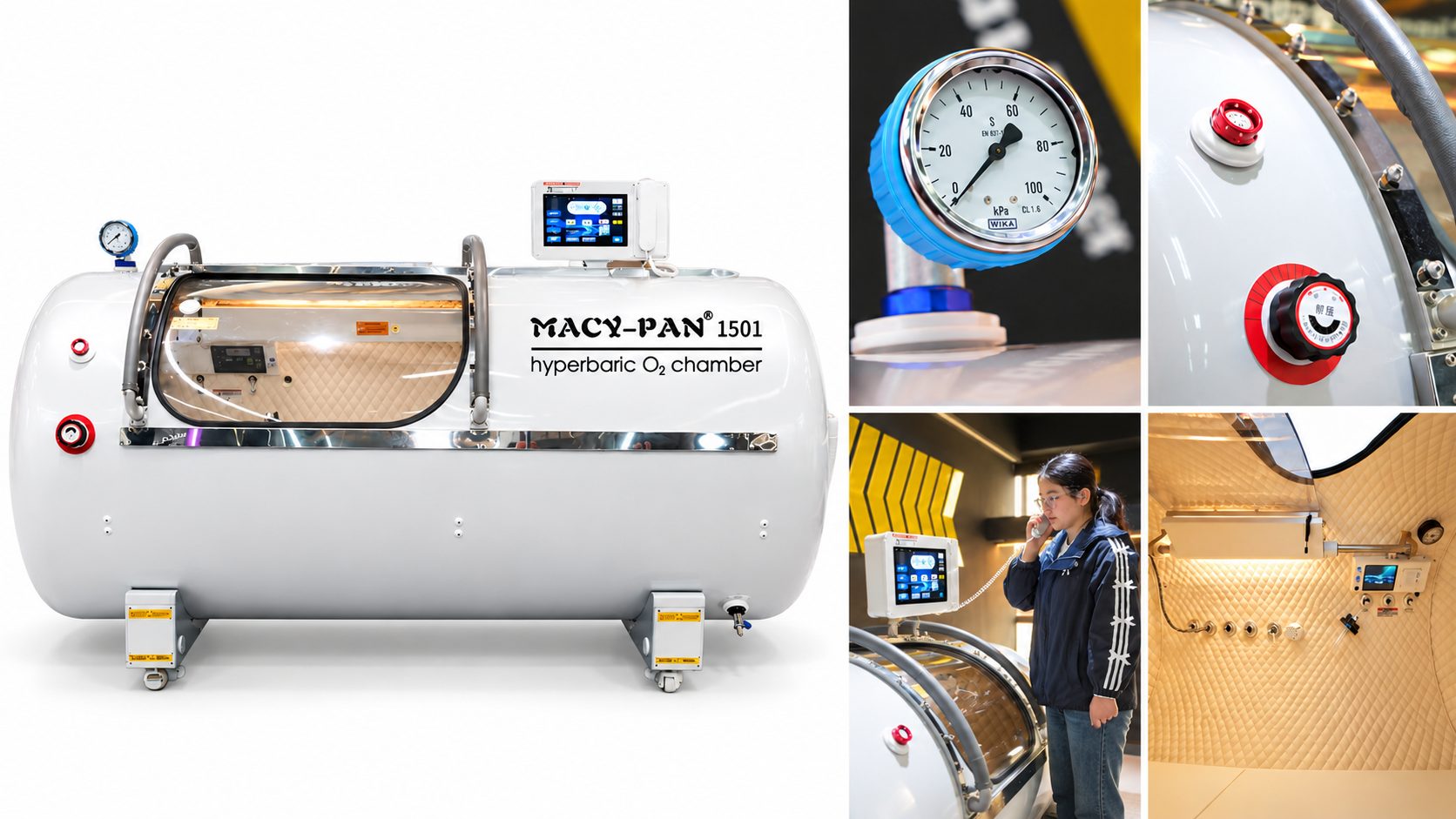
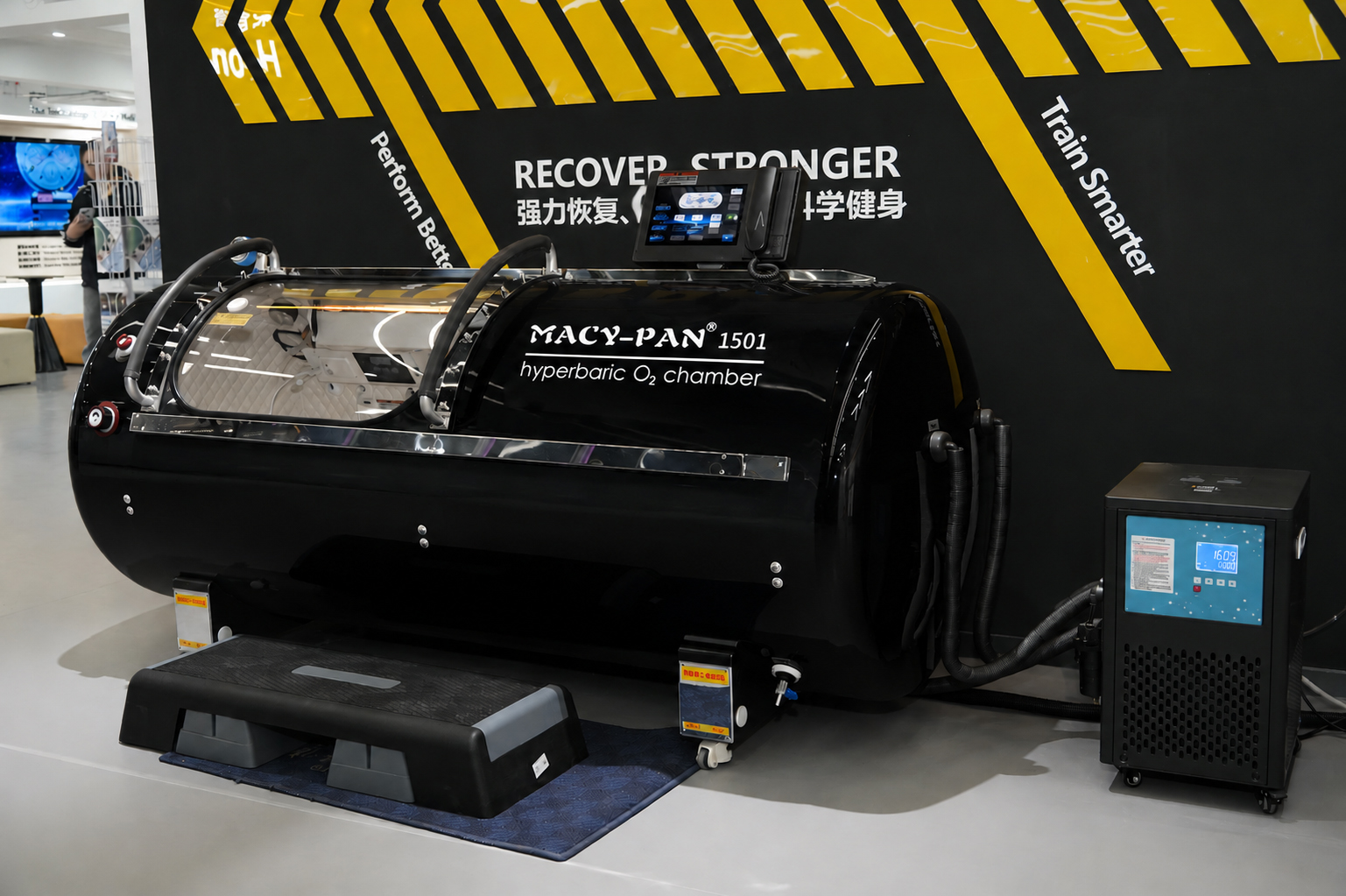
The MACY-PAN 1501 hyperbaric oxygen chamber is a 1.5 ATA chamber series available in four internal diameters: 75, 85, 90 and 100 cm. These options let buyers compare internal space against their users’ needs and available installation space. Customization requirements can also be discussed before ordering.
The chamber includes a transparent door, operating controls and an internal communication system. When reviewing a quotation, confirm the equipment and features included with the selected size and configuration.
User position and occupancy should be checked for the specific model. The 75 cm model is described as a single-person, lying-down design, while the HP1501-100 provides space for sitting or reclining. Do not assume that every size supports the same positions or number of users; confirm these details before selecting a model.
Which MACY PAN 1501 Diameter Should You Choose: 75, 85, 90 or 100 cm?
Choose the HP1501 diameter by checking usable space, entry conditions and site fit together. Internal diameter alone does not tell you whether a user can lie comfortably, sit in the intended position or enter and exit easily.
| Model | Confirmed Size and Design Information | What to Confirm Before Ordering |
| HP1501-75 | 75 cm internal diameter; single-person, lying-down design | Usable internal length, space for the intended user, entry opening and external dimensions |
| HP1501-85 | 85 cm internal diameter option | Internal layout, usable length and space, and supported user positions |
| HP1501-90 | 90 cm internal diameter option | Internal layout, usable length and space, and supported user positions |
| HP1501-100 | 100 cm internal diameter; described as allowing sitting or reclining | Usable seated height, seating arrangement, intended occupancy and oxygen supply configuration |
Check the space your users will need. Share their height, body size and intended sitting or lying position when discussing a model. Request internal measurements and layout photos for the selected diameter. For the HP1501-100, confirm seated clearance with the proposed seating arrangement; its larger diameter should not be treated as confirmation of occupancy.
Check how users will enter and exit. Request the clear entry opening dimensions and confirm whether the selected configuration includes a threshold or handholds, and where they are positioned. If access is a deciding factor, ask for an entry and exit demonstration of that model.
Check the complete delivery route and room. Use the chamber’s external dimensions and packed shipping dimensions to assess doorways, elevators and corners. Then check the room layout with the accompanying equipment and access space included. Review the measurements covered in our hyperbaric chamber dimensions guide before finalizing your size selection.
Which MACY PAN 1501 Features Matter for Access and Daily Operation?
Review 1501 features against how users will enter the chamber, how staff will monitor operation and what routine checks the equipment requires. Ask MACY-PAN to identify which features are included in your selected model and explain their operation in the accompanying manual.
Access and visibility
A transparent PC door provides a view into and out of the chamber. Where dual-side handholds are included, check their positions and how users will reach them during entry and exit. Request photos or an access demonstration of the selected size to assess the opening and available support.
Controls and communication
Confirm which functions are available through the internal and external controls, and how the interface displays operating status and settings. An intercom allows the person inside to communicate with someone outside. Ask for a control-panel demonstration so your team can review the information displayed and the adjustments available during operation.
Pressure management and alarms
Confirm how the selected configuration maintains pressure and how normal and emergency pressure release are operated. If door sensing, overpressure protection and power-failure alarms are included, review what each function detects, what happens when it activates and what action the operator must take. These functions should be explained in the model-specific operating instructions.
Air management and positioning
If CO₂ management or a humidification device is included, ask how it operates and what cleaning, inspection or replacement it requires. For configurations with casters, confirm the conditions for moving the chamber and how it must be secured in its operating position.
Before accepting the quotation, request a configuration list and the relevant operating instructions. Use our hyperbaric chamber operator training guide to review the equipment guidance, staff preparation and support questions to discuss before handover.
MACY-PAN 1501 Hyperbaric Chamber FAQs
What is the difference between the MACY PAN 1501-75, -85, -90 and -100?
The four models offer internal diameters of 75, 85, 90 and 100 cm. The MACY PAN1501-75 is described as a single-user, lying-down model, while the MACY PAN1501-100 provides space for sitting or reclining. Compare the internal layout, usable length and entry dimensions of your preferred model alongside its diameter. These details help determine whether it fits the intended user and position.
Can I sit upright inside an MACY PAN 1501 chamber?
The 1501-100 is designed to accommodate sitting as well as reclining. If you prefer an upright position, ask MACY-PAN to confirm the seating arrangement and available headroom for your height. Do not assume that the same sitting position is available in the 75, 85 or 90 cm versions.
Can two people use the MACY PAN 1501-100 together?
MACY-PAN’s product information describes the 1501-100 as offering space for two family members. Before selecting it for shared use, confirm the permitted occupancy, internal arrangement and oxygen delivery configuration for the unit you plan to order. A 100 cm diameter alone does not establish whether two intended users will fit comfortably.
Will the MACY PAN 1501-75 fit through my doorway or elevator?
The 75 cm specification refers to the chamber’s internal diameter, not its overall width or shipping dimensions. To check delivery access, compare the equipment and package dimensions with your doorway’s clear opening, elevator entrance and cabin, and any corridor turns. Share measurements and photos with MACY-PAN before confirming the order.
What should I check if the intended user needs help entering or exiting?
Request the entry opening dimensions, threshold height and handrail positions for the selected model. An entry demonstration video can also help you understand the movements involved. Explain whether the user needs assistance or uses a mobility aid so the access arrangement can be reviewed. A larger chamber diameter does not necessarily mean easier entry.
Can the MACY PAN 1501 be customized for my project?
The 1501 series supports customization inquiries. Share your preferred diameter, intended user position, room and delivery access measurements, destination and any specific configuration requests. MACY-PAN can review what is feasible and confirm the agreed specifications, included equipment and delivery schedule before you place an order.
Request an MACY PAN 1501 Configuration Review
Share your preferred size, intended user position and room or access measurements with MACY-PAN to discuss a suitable MACY PAN 1501 configuration.
What Should You Confirm Before Ordering an MACY PAN 1501 Chamber?
An MACY PAN 1501 quotation should identify the exact model, included equipment and delivery requirements. Once you have shortlisted a diameter, confirm the following details so you can assess whether the proposed configuration fits your users and site.
● Model and pressure: Full model designation, internal diameter, usable internal dimensions and specified 1.5 ATA operating pressure.
● User arrangement: Supported sitting or lying positions, intended occupancy and internal layout for the selected model.
● Equipment scope: Accompanying equipment, standard features, optional items and any exclusions from the quotation.
● Delivery dimensions: External dimensions, equipment weight, packed dimensions and handling requirements for your delivery route.
● Site preparation: Required power supply, equipment placement and room preparation. Review these conditions with MACY-PAN’s hyperbaric oxygen chamber installation support before finalizing your layout.
● Documents and support: Request the documents applicable to your selected model and destination through the hyperbaric chamber certification and documents page. Confirm the operating manual, maintenance instructions and installation and operator guidance included with your order.
● Customization: Record the requested changes and confirm their effect on dimensions, equipment configuration, price and delivery schedule.
To request a configuration review, share your destination, planned installation setting, users’ space and position requirements, room and access-route measurements, preferred MACY PAN 1501 diameter and any customization needs. If the size is still undecided, include the measurements or site photos available so MACY-PAN can discuss the options with you.
Request an 1501 Configuration Review